Snowflake data consumer
Snowflake can be used to receive linkage map extractions directly.
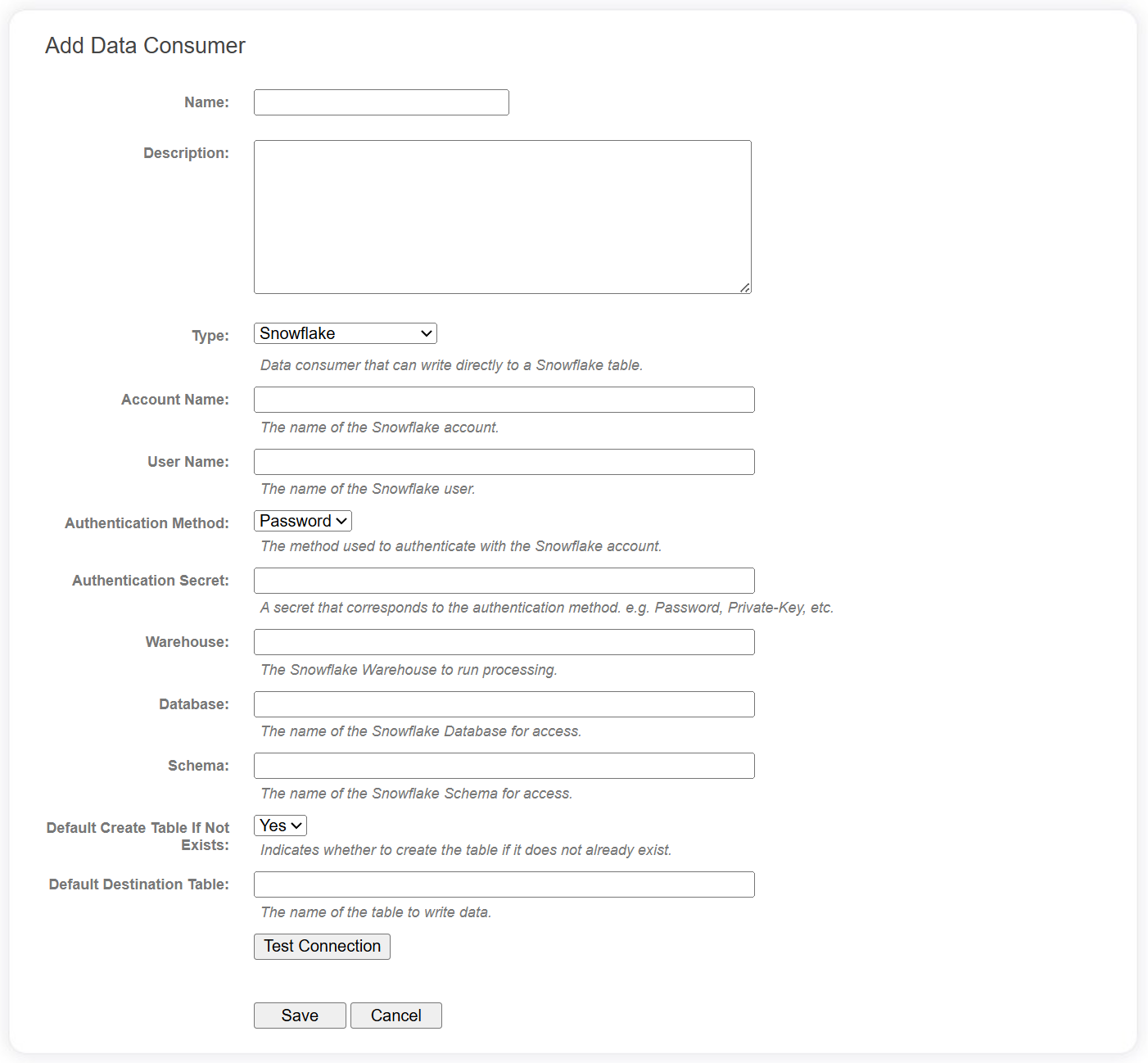
Connection fields
The following fields are required for Snowflake data consumers in the data catalog.
| Field | Description |
|---|---|
| Account Name | The name of the Snowflake account. |
| User Name | The name of the Snowflake user. We recommend you create a service user for this purpose. |
| Authentication Method | LinXmart supports Password and Key-Pair methods for authenticating a user. Please see the Configuring Key-Pair Authentication article in the Snowflake documentation for more info. |
| Authentication Secret | Either the user's password, or the private key created for key-pair authentication. If this is a private key, copy the entire contents of the private key file into this field. |
| Warehouse | The Snowflake Warehouse to run all data processing. |
| Database | The name of the database to receive the data. |
| Schema | The name of the destination schema. |
| Default Create Table If Not Exists | A default value for when the data consumer is added to a project. See below. |
| Default Destination Table | A default value for when the data consumer is added to a project. See below. |
info
The fields beginning with 'Default' will be populated and editable when the data consumer is added to a specific project.
Use the Test Connection button to verify the Snowflake database can be reached, and if the table specified can be accessed.
Project level fields
The following additional fields are available when the data consumer has been added to a specific Linkage Project. Some of these may have default values configured at the data catalog level.
| Field | Description |
|---|---|
| Create Table If Not Exists | Flag indicating if the destination table should be created if it doesn't exist. |
| Destination Table | The name of the table to write the extraction data. |