Azure Blob Container data consumer
An Azure Blob Container can be used to store linkage map extractions.
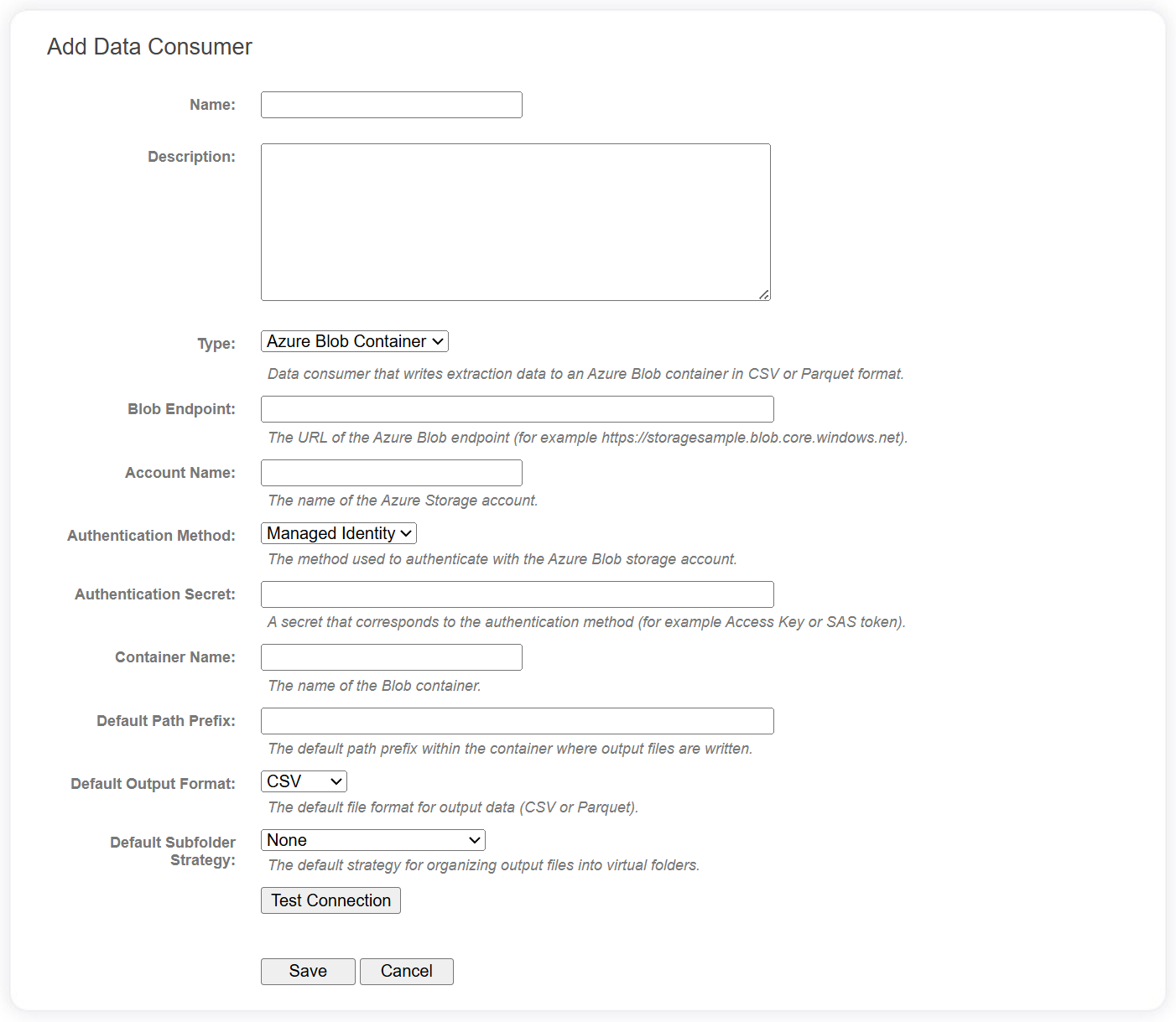
Connection fields
The following fields are required for Azure Blob Container data consumers in the data catalog.
| Field | Description |
|---|---|
| Blob Endpoint | The URL of the Azure Blob end point. e.g. https://[accountname].blob.core.windows.net |
| Account Name | The name of the Azure Storage account. |
| Authentication Method | The method used to authenticate with the Azure Blob storage account:
|
| Authentication Secret | A secret that corresponds to the authentication method. e.g. Access Key, SAS Token, etc. |
| Container Name | The name of the Blob Container. |
| Default Path Prefix | A default value for when the data consumer is added to a project. See below. |
| Default Output Format | A default value for when the data consumer is added to a project. See below. |
| Default Subfolder Strategy | A default value for when the data consumer is added to a project. See below. |
info
The default field values will be applied to the data consumer when it is added to a specific project.
Use the Test Connection button to verify the Azure Blob Container can be accessed.
Project level fields
The following additional fields are available when the data consumer has been added to a specific Linkage Project. Some of these may have default values configured at the data catalog level.
| Field | Description |
|---|---|
| Path Prefix | A simple path prefix within the container from which to write data. |
| Output Format | Data can be written in either CSV or Parquet format. |
| Subfolder Strategy | This strategy will determine how files are stored within a folder hierarchy.
|
| Include Header | For CSV files only. Indicates whether to include a header row in the output file. |
| CSV Delimiter | For CSV files only. The delimiter character to use in output files. |